Create a free digital business card
Build a mobile-first business card with a short link, QR code and NFC tap. Share it at events, collect leads and never reprint a paper card again.
What is a digital business card?
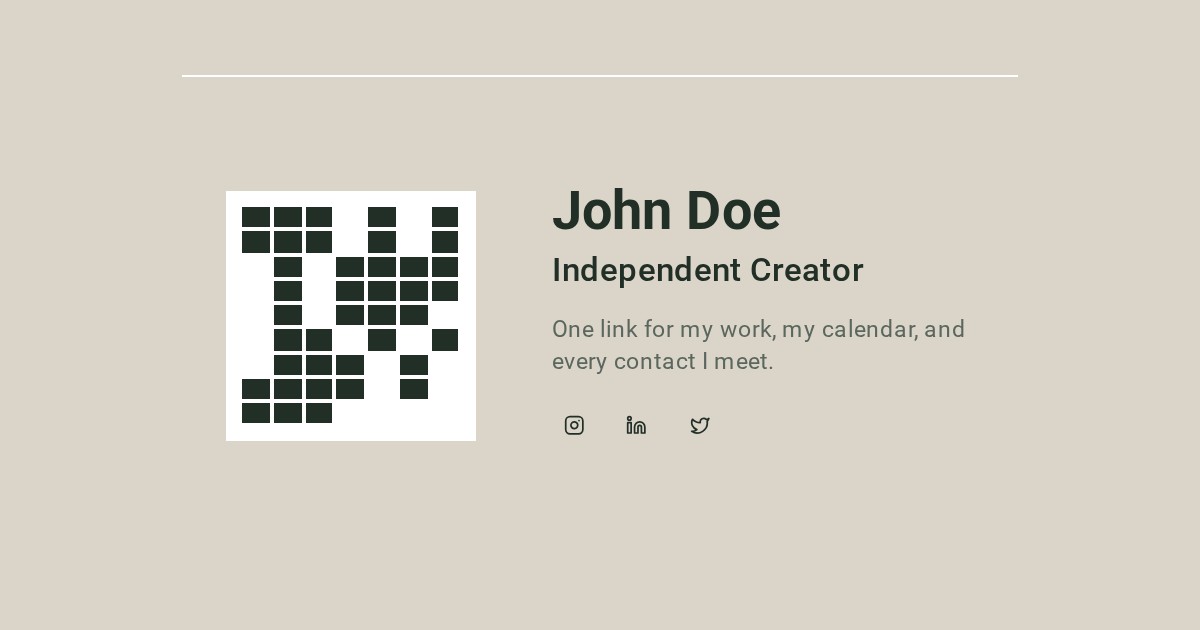
A digital business card is a live online profile that replaces the paper card. It carries your name, designation, tagline, photo, links and socials, and gives people one clean place to reach you. Instead of handing over something that gets lost in a pocket, you share a link, a QR code or an NFC tap — and the other person saves your details in seconds.
Altruistspace is built for people who meet in person: creators, freelancers, consultants and event goers. Your card works on every phone, updates instantly when you edit it, and remembers every contact exchange with a private note. If you use the terms interchangeably, see how an electronic business card combines the same sharing tools with event follow-up. For conferences and meetups, explore our professional networking cards guide.
Create yours in 2 minutes
- 1
Sign in and pick a username
Use Google sign-in and claim a short link like altruistspace.com/yourname. No password to remember.
- 2
Fill in your profile
Add your name, designation, tagline, photo, links and socials. Choose which contact fields are public and which stay gated behind a sign-in.
- 3
Publish and share
Your link, QR code and NFC writing options go live immediately. Edit anytime — the link and QR never change.
Three ways to share: link, QR code, NFC tap
Every Altruistspace card ships with all three channels, so you are never stuck when someone has an older phone, no camera or no NFC.
Short link
A clean URL like altruistspace.com/yourname. Paste it in your Instagram, TikTok or LinkedIn bio, email signature, or slide deck.
QR code
Download a high-contrast QR code from the dashboard. It opens your profile on any phone with a camera — no app install needed.
NFC tap
Write your card to a blank NTAG tag from Chrome on Android. One tap opens a native "Add to contacts" prompt or your full profile.
Print it too — Standard and PVC sizes at 300 DPI
Standard business card
A compact layout you can print at home or at any copy shop. Includes your QR code, name, designation and tagline.
PVC card 85.6 × 53.98 mm
The standard credit-card size with rounded corners and cut guides. Export at 300 DPI and send straight to a card printer.
Both layouts keep your profile link off the printed face and use the QR code instead, so the design stays clean and the link never changes.
Keep the leads: Event Memory and contact notes
Event Memory
Turn on an event before you walk in. Every contact reveal is stamped with that event, so you know exactly where you met each person.
Private notes
Jot context against each contact — conversation topics, follow-ups, where you met — without the other person seeing it.
Privacy: contact numbers stay gated until a viewer signs in
Your public card shows your name, designation, tagline, links and socials. Phone and WhatsApp numbers only appear after a viewer signs in, so your contact details are never scraped by bots or passed around silently.
Public by default
Name, designation, tagline, links and socials are visible to anyone.
Gated contact fields
Phone and WhatsApp require the viewer to sign in before they are revealed.
No spam in your inbox
Your email is never exposed directly; messages route through your chosen links.
Edit anytime
Change your details and the link, QR and NFC tag all stay valid.
Logged exchanges
Every reveal is recorded against your active event for your eyes only.
Delete when you want
Full account deletion is available in settings with clear warnings.
Pricing
- Unlimited profile edits
- Short link + QR code
- NFC tag writing from Android Chrome
- Standard and PVC card exports
- Event Memory and contact notes
- Google sign-in
Frequently asked questions
What is a digital business card?
A digital business card is an online profile that holds your contact details, links, socials and a photo. You share it through a short link, a QR code or an NFC tap instead of handing over paper. The viewer sees your name, designation, tagline and links instantly, and can reveal your phone or WhatsApp after signing in.
How do I create a digital business card for free?
Sign in with Google on Altruistspace, choose a username, add your name, designation, tagline, links and socials, then publish. You get a short link, a QR code and an NFC writing option right away. The card is free while we are in beta.
Do digital business cards work without an app?
Yes. The link opens in any browser, the QR code scans with the default camera app, and NFC taps use the phone's built-in reader. The other person never needs to install anything.
How do digital business cards work on iPhone and Android?
On both iPhone and Android, the link opens in Safari or Chrome and the QR code scans with the camera. NFC tap-to-share works fully on Android Chrome, where Altruistspace can also write the card to a blank tag. iPhone reads NFC tags natively but cannot write them from the browser, so iPhone users get a vCard file and instructions for the free NFC Tools app.
Can I print my digital business card?
Yes. The dashboard exports your card at 300 DPI in Standard and PVC (85.6 × 53.98 mm, rounded corners) sizes, with cut guides. You can print it yourself or send it to a card printer, then stick an NTAG tag on the back for a card that works both ways.
Can I see who saved my card?
When someone taps Reveal contact on your profile and signs in, Altruistspace logs the exchange against your active event. You can review those contacts, add private notes and remember where you met them. Anonymous QR/link scans are counted in analytics but not tied to an identity.
Ready to go paperless?
Create your digital business card in under 2 minutes. Free while in beta.
Create your free card