A QR code business card that prints and scans in seconds
Turn your Altruistspace profile into a printable, scannable business card. One QR code opens your full digital card on any phone — no app needed.
What is a QR code business card?
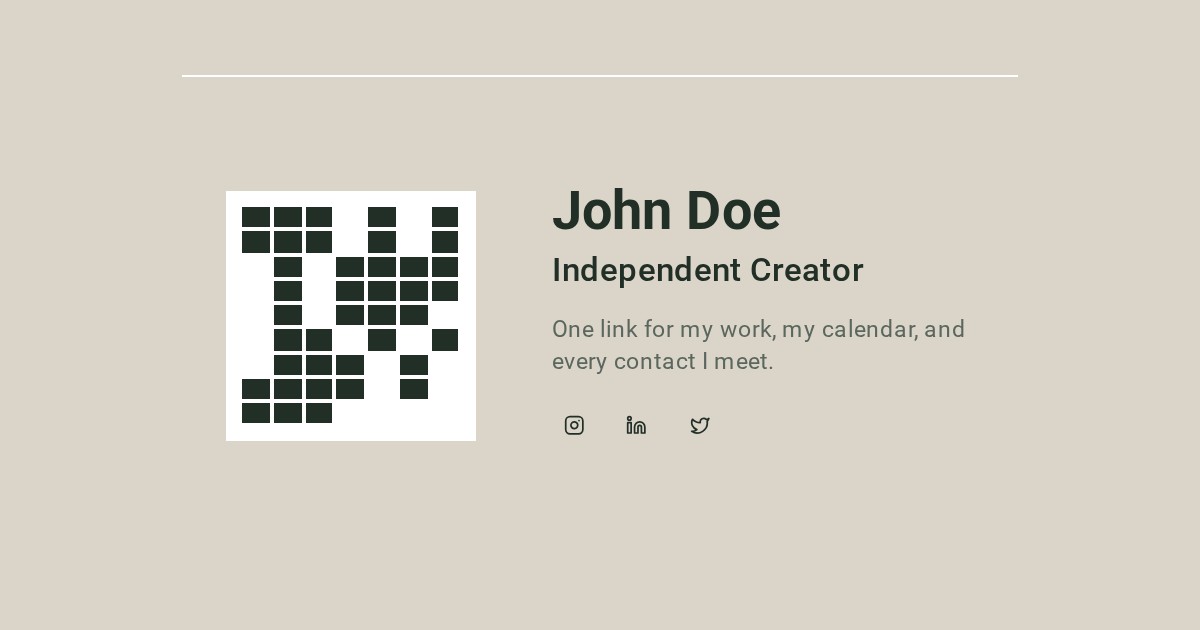
A QR code business card is a printed card that carries a scannable QR code instead of a wall of text. When someone scans it with their phone camera, they land on your live Altruistspace profile with your photo, links, socials and a save-to-contacts button.
Unlike a paper card, the details behind the QR code can be updated anytime. Change your job title, add a new link or fix a typo — the printed code stays the same.
How it works
- 1
Scan the QR code
The viewer opens their camera app and points it at your card. A banner appears with your profile link.
- 2
Open your profile
They tap the banner and land on your mobile-first Altruistspace page: name, designation, tagline, links and socials.
- 3
Save your contact
They tap Save contact to download a vCard, or Reveal contact to unlock your phone and WhatsApp after signing in.
Standard vs PVC print sizes
Standard business card
A compact layout you can print at home or at any copy shop. Includes your QR code, name, designation and tagline. Cut guides are included.
PVC 85.6 × 53.98 mm
The standard credit-card size with rounded corners. Export at 300 DPI and send straight to a PVC card printer for a professional finish.
Both exports are rendered at 300 DPI so the QR code stays sharp when printed. The PVC size matches ISO/IEC 7810 ID-1 dimensions, which most card printers expect.
Where the QR code leads
The QR code points to your public Altruistspace profile. That profile shows the fields you choose to make public and keeps sensitive contact details behind a gated reveal.
Public fields
Name, designation, tagline, links and socials are visible immediately.
Gated reveal
Phone and WhatsApp only appear after the viewer signs in.
Save to contacts
A .vcf download button lets anyone save you without typing.
Event stamped
Reveals are tagged with your active event so you know where you met.
Editable destination
Update your profile anytime without reprinting the card.
Works offline-ish
The viewer needs internet to load the page, but the scan works anywhere.
Design tips for readable QR codes
Keep it high contrast
Dark QR modules on a light background scan fastest. Altruistspace uses black on white for maximum compatibility.
Leave quiet space around it
A clear margin around the QR code helps cameras detect the edges. Our exports include built-in padding.
Test at real size
Print a draft at actual size and scan it with both iPhone and Android before ordering a large run.
Shorten the URL
Altruistspace uses a short link for the QR payload, which keeps the code simple and fast to scan.
Frequently asked questions
What is a QR code business card?
A QR code business card is a printed card that displays a QR code instead of — or alongside — typed contact details. Scanning the code with any phone camera opens your digital business card, where the viewer can save your contact, see your links and reveal your phone or WhatsApp after signing in.
How do I create a QR code business card for free?
Sign in to Altruistspace, build your profile, then open the dashboard and download your QR code. Choose Standard or PVC size, both exported at 300 DPI with cut guides, ready to print or send to a card printer.
Do QR code business cards work without an app?
Yes. Modern iPhones and Android phones read QR codes with the default camera app. The viewer points the camera at the card, taps the banner and your Altruistspace profile opens in their browser.
How do QR code business cards work on iPhone and Android?
On both platforms the camera app detects the QR code and shows a notification or banner. Tapping it opens Safari or Chrome at your profile. From there the viewer can save your vCard, tap social links or reveal your contact details after signing in.
Can I print my QR code business card?
Yes. The dashboard exports two print-ready layouts at 300 DPI: a Standard size and a PVC credit-card size of 85.6 × 53.98 mm with rounded corners. Both include cut guides so a printer can trim them cleanly.
Can I see who scanned my QR code business card?
Anonymous scans are counted in analytics. When a viewer reveals your contact details, the exchange is logged against your active event so you can follow up with context. You can also add private notes to each contact.
Print your QR code business card today
Free while in beta. Standard and PVC sizes at 300 DPI.
Create your free cardExplore professional networking cards for event contacts and follow-up notes, or browse the guides section.